> ## Documentation Index
> Fetch the complete documentation index at: https://dripart-docs-robin-i18n-sync.mintlify.site/llms.txt
> Use this file to discover all available pages before exploring further.
# OpenAI DALL·E 2 노드
> ComfyUI에서 OpenAI DALL·E 2 파트너 노드를 사용해 이미지를 생성하는 방법을 알아보세요
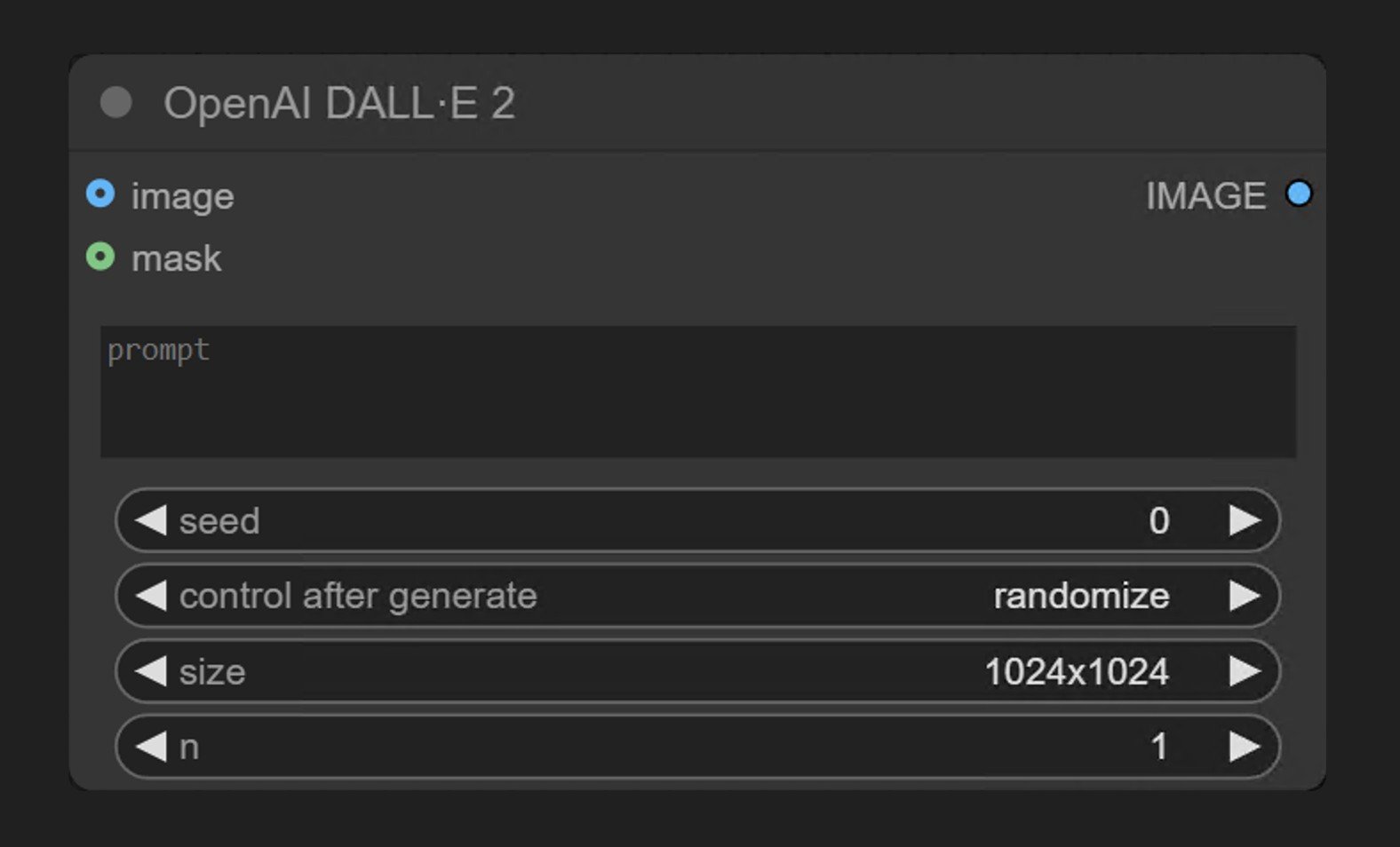 OpenAI DALL·E 2는 ComfyUI 파트너 노드 시리즈의 일부로, 사용자가 OpenAI의 **DALL·E 2** 모델을 통해 이미지를 생성할 수 있도록 합니다.
**OpenAI DALL·E 2** 노드는 OpenAI의 이미지 생성 API를 통해 동기식으로 이미지를 생성합니다. 텍스트 프롬프트를 받아 설명과 일치하는 이미지를 반환합니다.
## DALL·E 2의 강점
* 텍스트 기반 이미지 생성
* 이미지 편집 기능 (마스크를 통한 인페인팅)
## 출력 예시
단일 텍스트 프롬프트를 사용한 텍스트 기반 이미지 생성:
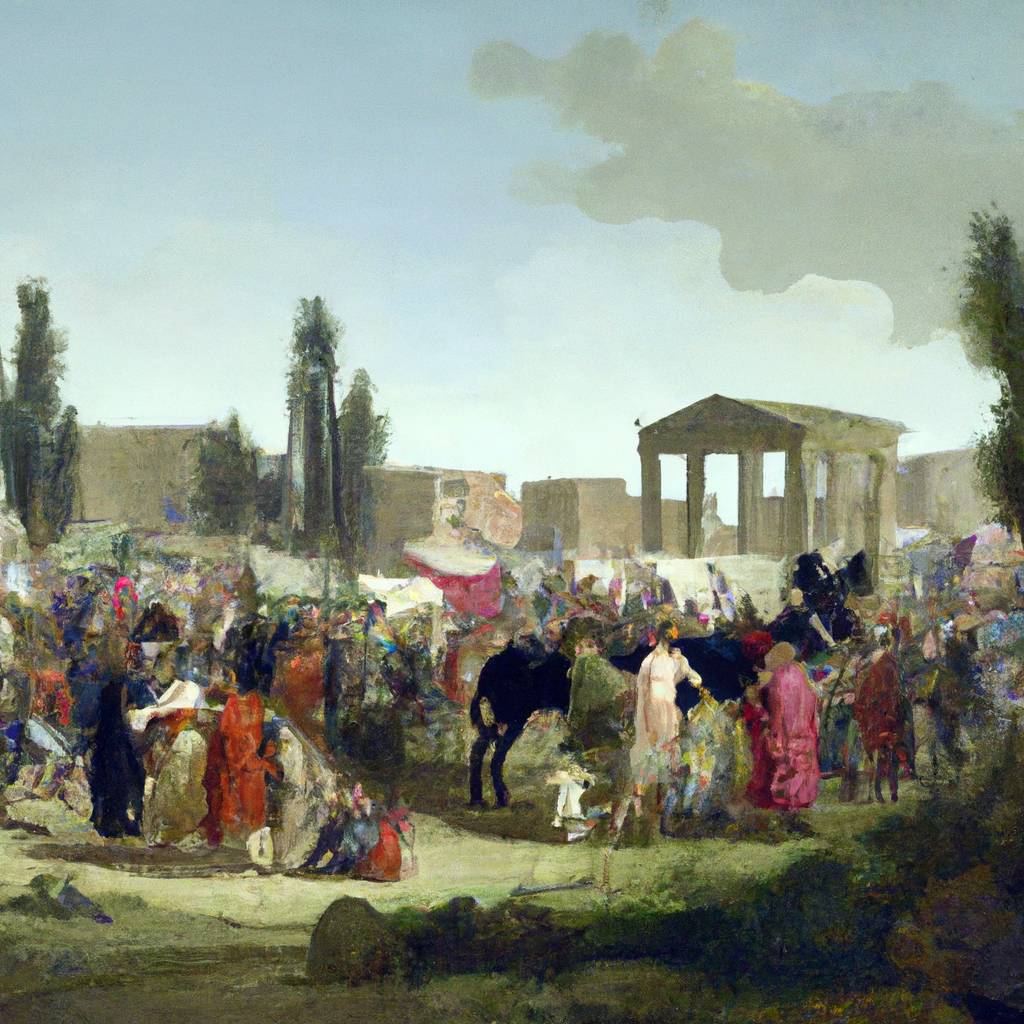
텍스트 프롬프트를 기반으로 입력 이미지의 마스크된 영역을 교체하는 인페인팅:

## ComfyUI에서 사용하기
텍스트 기반 이미지 생성 및 인페인팅 워크플로를 로컬 또는 Comfy Cloud의 ComfyUI에서 실행하세요.
OpenAI DALL·E 2는 ComfyUI 파트너 노드 시리즈의 일부로, 사용자가 OpenAI의 **DALL·E 2** 모델을 통해 이미지를 생성할 수 있도록 합니다.
**OpenAI DALL·E 2** 노드는 OpenAI의 이미지 생성 API를 통해 동기식으로 이미지를 생성합니다. 텍스트 프롬프트를 받아 설명과 일치하는 이미지를 반환합니다.
## DALL·E 2의 강점
* 텍스트 기반 이미지 생성
* 이미지 편집 기능 (마스크를 통한 인페인팅)
## 출력 예시
단일 텍스트 프롬프트를 사용한 텍스트 기반 이미지 생성:

텍스트 프롬프트를 기반으로 입력 이미지의 마스크된 영역을 교체하는 인페인팅:

## ComfyUI에서 사용하기
텍스트 기반 이미지 생성 및 인페인팅 워크플로를 로컬 또는 Comfy Cloud의 ComfyUI에서 실행하세요.